Google Analytics 4 (GA4) Guide
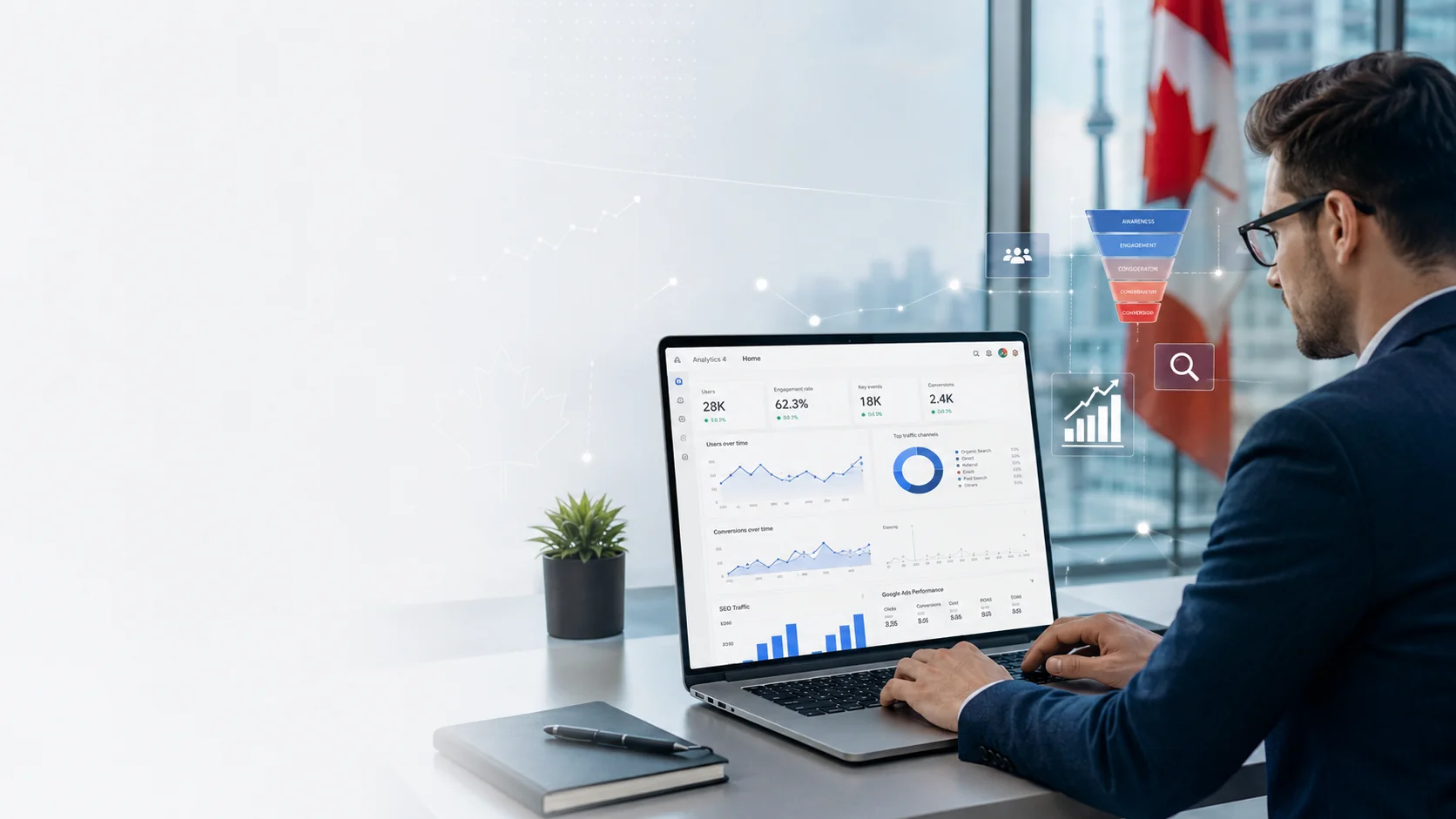
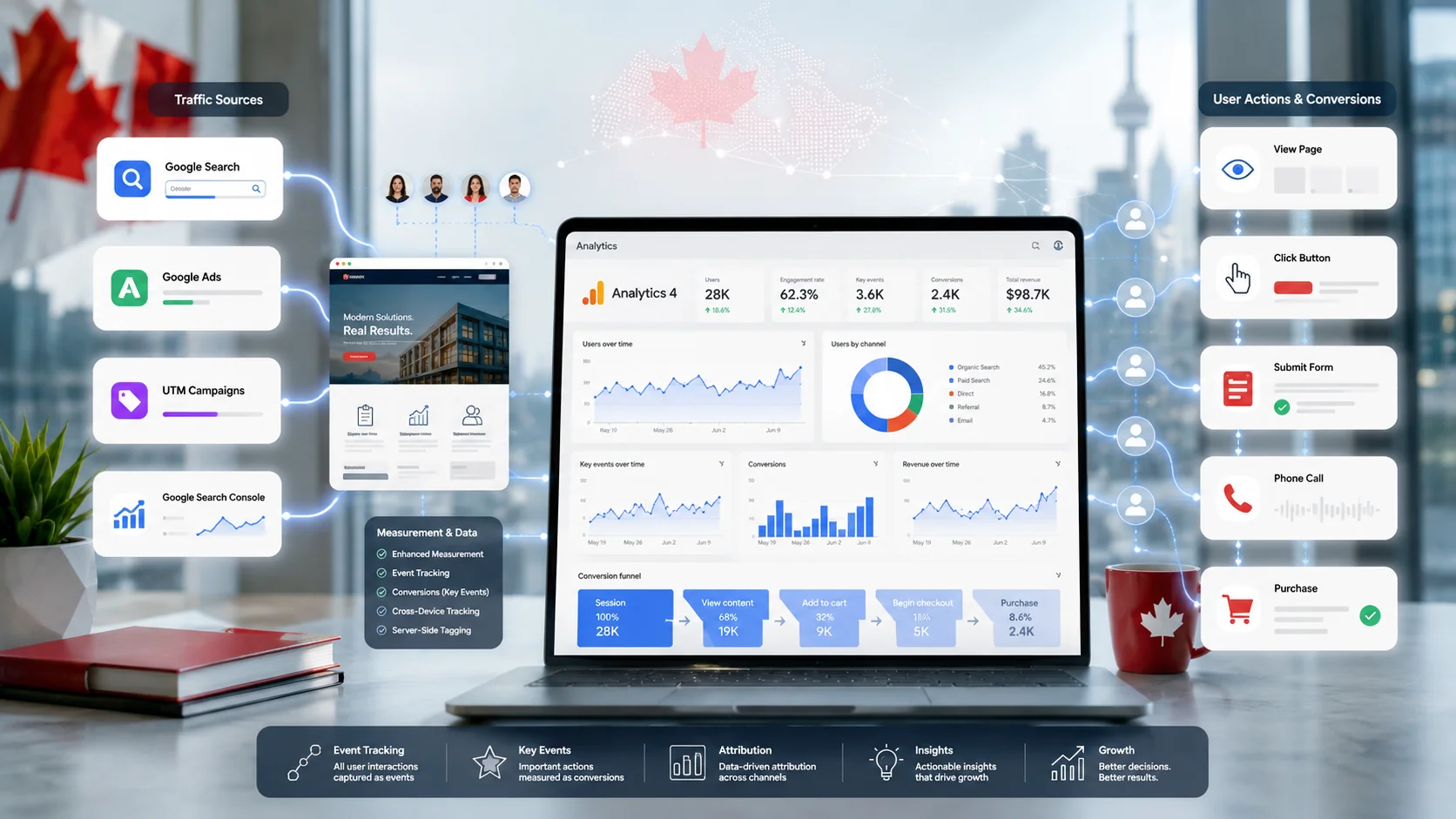
The Practical Guide to Google Analytics 4 (GA4) for Canadian Businesses
Google Analytics 4 (GA4) Guide: Setup, Events, Key Events, SEO, Google Ads, Attribution & Reporting
Understanding website traffic is important, but knowing what visitors do after they arrive is even more valuable. Google Analytics 4 (GA4) helps Canadian businesses measure website activity, user journeys, leads, purchases and marketing performance.
At Intop Digital, we use analytics to help businesses make smarter decisions based on data not assumptions.
What Is Google Analytics 4?
Google Analytics 4 is Google's analytics platform for websites and apps. GA4 uses an event-based data model, meaning user interactions are measured as events.
Common events include:
Page views
Scrolls
Button clicks
Phone clicks
Form submissions
File downloads
Signups
Product views
Add-to-cart actions
Purchases
Events can include parameters that provide additional information, such as product names, revenue, page URLs, transaction IDs and campaign details.
For Canadian businesses, this makes GA4 useful for measuring everything from local lead generation to ecommerce sales.
How to Set Up GA4
A proper GA4 setup generally includes:
Create a Google Analytics account and GA4 property.
Create a Web data stream.
Add your GA4 Measurement ID to the website.
Install GA4 directly or through Google Tag Manager (GTM).
Configure important events.
Identify important business actions as Key Events.
Test tracking using DebugView.
Connect relevant marketing platforms such as Google Ads and Search Console.
Google Tag Manager is especially useful when a website needs multiple tracking configurations because tags can be managed without repeatedly editing website code.
Always Test Your Tracking
Installing GA4 doesn't guarantee accurate data.
Use DebugView and real-time reporting to confirm that important events are firing correctly.
Check for:
Missing events
Incorrect event names
Duplicate events
Incorrect parameters
Events firing on the wrong pages
Fixing tracking problems early can prevent weeks or months of inaccurate reporting.
Understanding GA4 Key Events
One important GA4 terminology change happened in 2024.
Google changed the term "Conversions" to "Key Events" inside GA4.
A Key Event represents an important business action.
Examples include:
Lead form submission
Appointment request
Quote request
Phone click
Newsletter signup
Purchase
Booking
Not every website interaction should be marked as a Key Event. Focus on actions that directly support business goals.
GA4 Key Events vs Google Ads Conversions
GA4 uses Key Events, while Google Ads continues to use Conversions.
GA4 Key Events can be imported into Google Ads, but numbers between the two platforms may not match exactly. Differences can occur because of attribution models, counting methods, conversion windows and platform reporting methodologies.
Understanding this difference is essential when preparing marketing reports.
GA4 Reports Marketers Should Use
GA4 contains many reports, but most businesses can focus on four important areas.
1. Acquisition
Acquisition reports show where users and sessions come from.
Common channels include:
Organic Search
Paid Search
Direct
Referral
Organic Social
Email
User Acquisition focuses on how users first arrived, while Traffic Acquisition focuses on the source of sessions.
2. Engagement
Engagement reports show what visitors do on your website.
Important metrics include:
Views
Engagement rate
Average engagement time
Landing pages
Key Events
GA4 generally considers a session engaged when it lasts more than 10 seconds, contains a Key Event, or includes at least two page or screen views.
3. Monetization
Ecommerce businesses can use Monetization reports to measure:
Product performance
Add-to-cart activity
Checkout activity
Purchases
Revenue
Ecommerce data requires proper implementation of events such as view_item, add_to_cart, begin_checkout and purchase.
4. Explorations
Explorations provide deeper analysis beyond standard reports.
Useful options include:
Funnel Exploration
Path Exploration
Audience analysis
Segment comparisons
These reports can help identify where users drop off and how they move through a website.
GA4 for SEO
GA4 can help SEO professionals understand what happens after organic visitors reach a website.
You can analyze:
Organic traffic
Landing pages
Engagement
Key Events
Leads
Revenue
For example, a page may generate significant organic traffic but very few enquiries. That could indicate an opportunity to improve the content, internal linking, calls to action or conversion experience.
For stronger SEO analysis, connect GA4 with Google Search Console to better understand organic search performance and landing-page behavior.
GA4 for Google Ads
If your Canadian business runs Google Ads, connecting GA4 can provide valuable post-click information.
Instead of measuring only:
Impressions
Clicks
CPC
you can also analyze:
Engagement
Leads
Purchases
Revenue
Landing-page performance
User journeys
This helps businesses evaluate advertising based on business outcomes rather than traffic alone.
UTM Tracking
UTM parameters help GA4 identify marketing campaigns more accurately.
Common parameters include:
utm_sourceutm_mediumutm_campaignutm_contentutm_term
Use consistent naming for campaigns across email, social media, paid campaigns and other marketing channels.
Poor UTM practices can make campaign reporting confusing and unreliable.
GA4 for Local Canadian Businesses
Local businesses can track valuable website interactions such as:
Click-to-call
Contact forms
Appointment requests
Booking clicks
Service-page visits
Location-page visits
Messaging clicks
For a local business, traffic quality matters more than traffic volume.
A website receiving 300 highly relevant visitors can generate more business than one receiving thousands of visitors who never contact the company.
Privacy & Data Considerations
Canadian businesses should review their analytics implementation, consent practices, privacy policy and data-retention settings according to applicable privacy requirements.
Analytics should collect information necessary for legitimate measurement while avoiding unnecessary collection of sensitive personal information.
Businesses operating across multiple regions should also review the requirements that apply to their specific audiences and operations.
BigQuery & Advanced Analytics
Businesses with more advanced reporting requirements can export GA4 data to Google BigQuery.
This can enable deeper analysis by combining analytics data with information such as:
CRM data
Advertising costs
Sales data
Customer information
Product data
This is particularly useful when standard GA4 reports aren't enough to answer complex business questions.
Common GA4 Mistakes
Avoid these common problems:
Installing GA4 without testing it
Marking every event as a Key Event
Creating duplicate events
Incorrect ecommerce tracking
Inconsistent UTM parameters
Ignoring attribution settings
Comparing GA4 and Google Ads numbers without understanding differences
Measuring traffic without measuring leads or revenue
Ignoring mobile users
Not connecting Google Search Console
Not reviewing privacy and consent requirements
GA4 Setup Checklist
Property → Data Stream → GTM → Events → Key Events → DebugView → Google Ads → Search Console → UTM Tracking → Attribution → Privacy → Reporting
At Intop Digital, we help Canadian businesses build data-driven digital marketing strategies across SEO, Google Ads, local SEO, analytics and conversion tracking.
Accurate data leads to better decisions. Better decisions can lead to better marketing performance.
Ready to understand what your website and marketing are really doing? Connect with Intop Digital and build a data-driven growth strategy for your Canadian business.
Comments
No comments yet.